
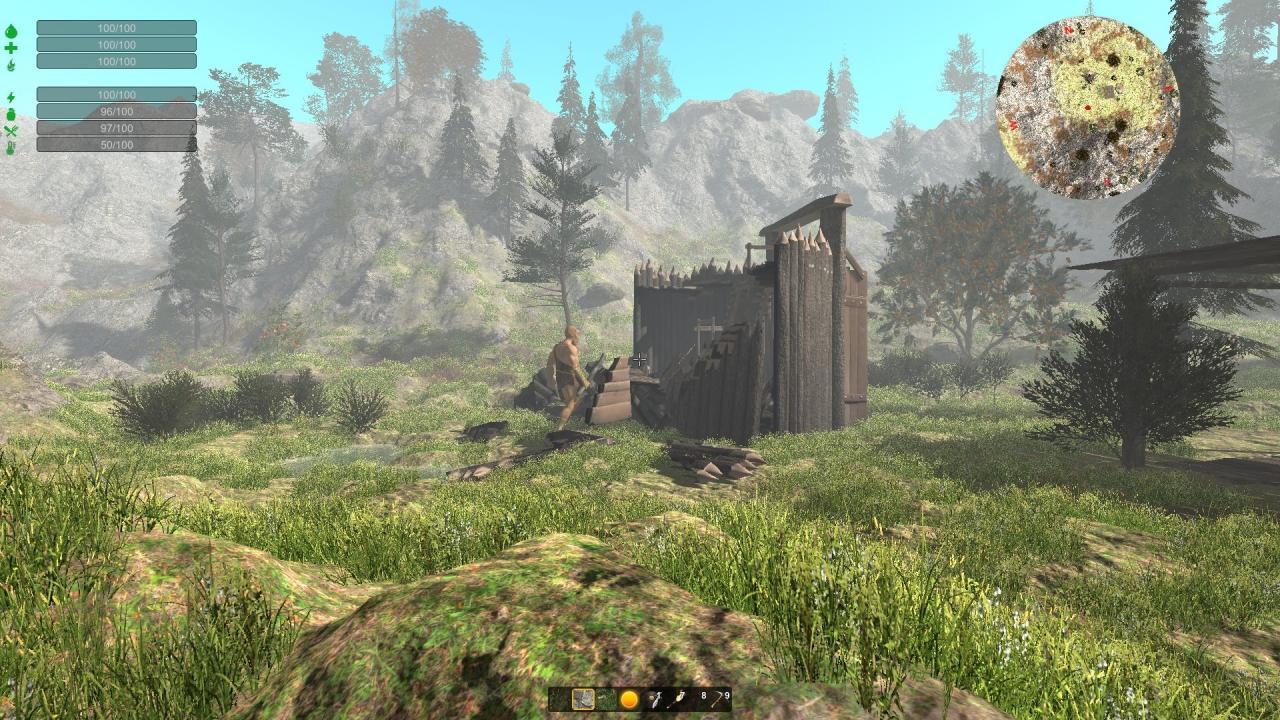
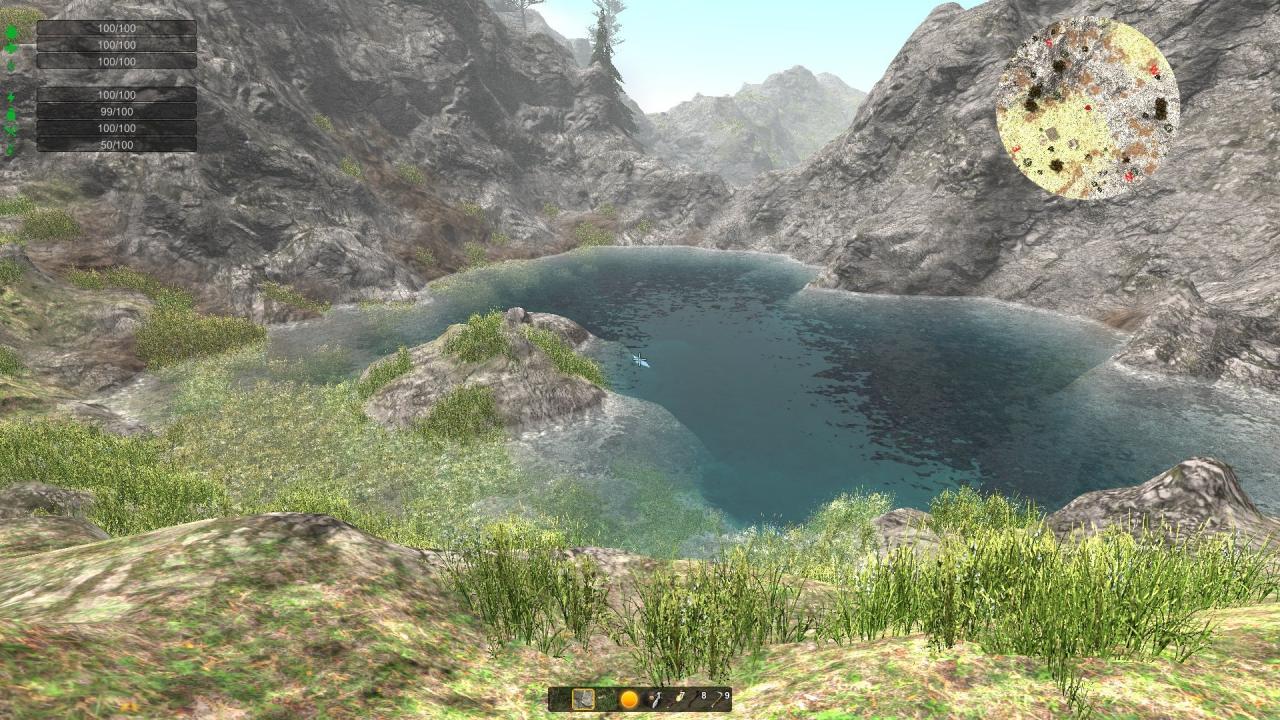
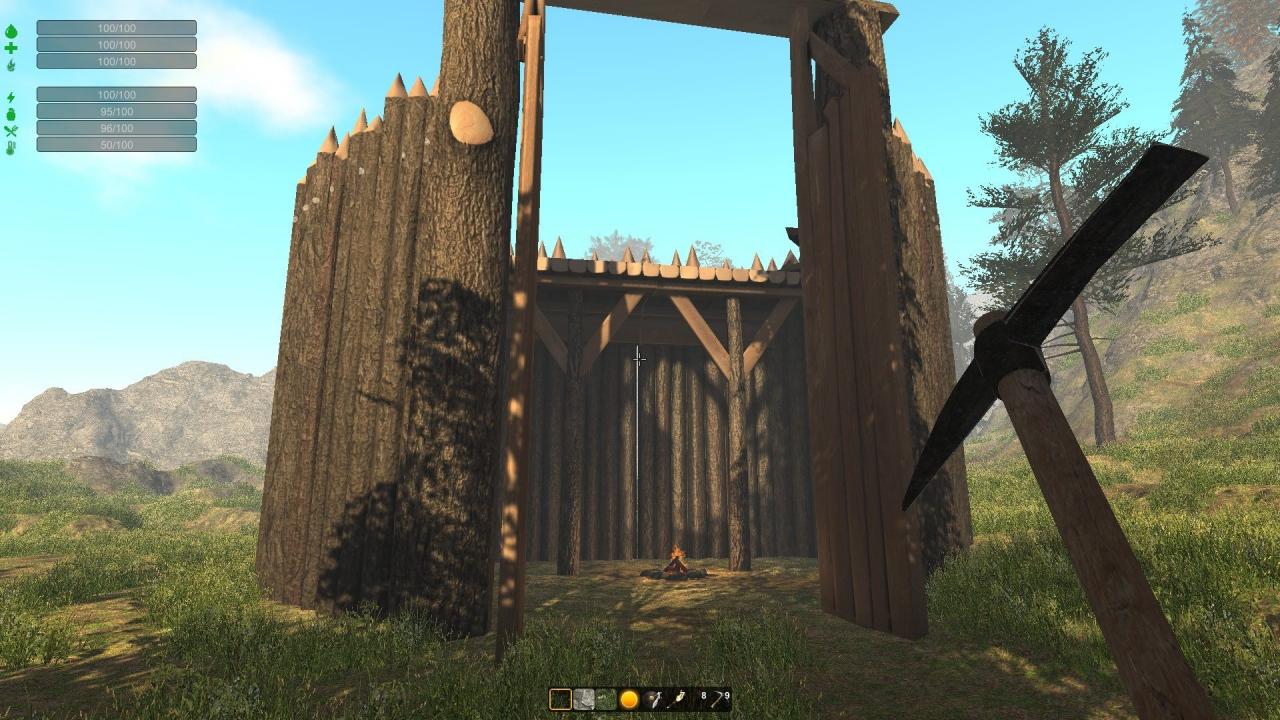
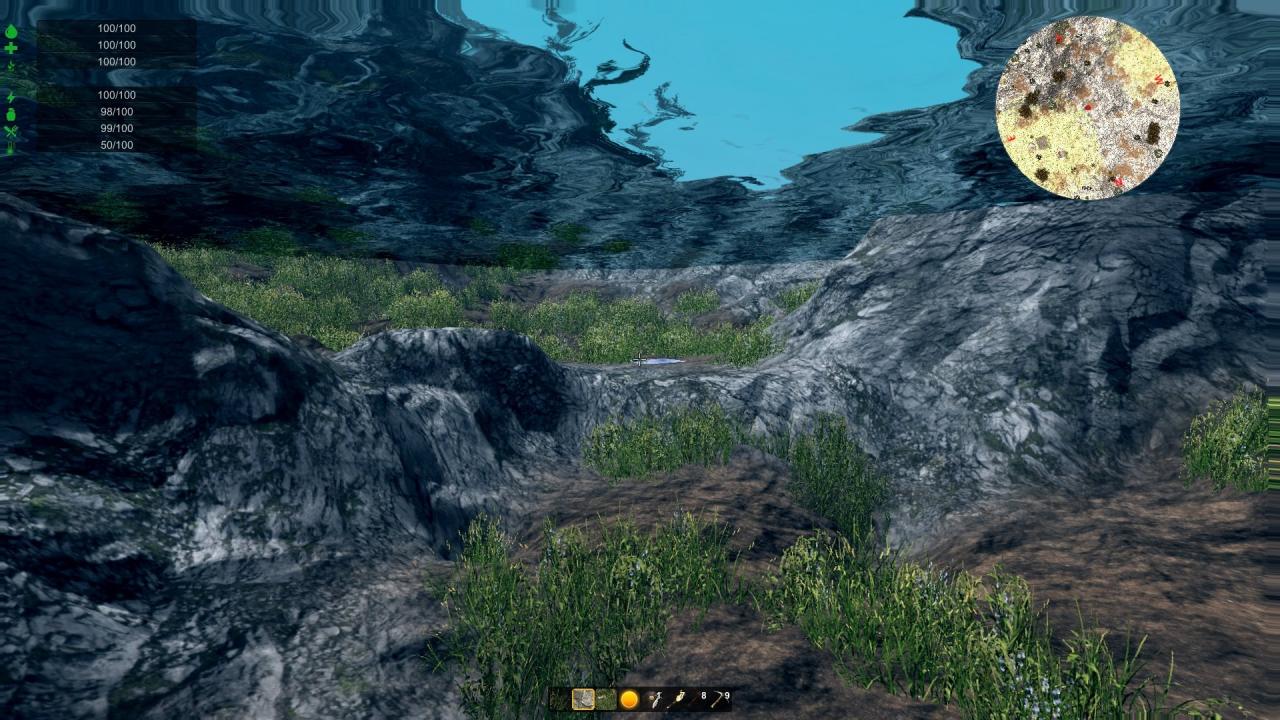


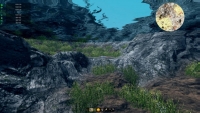
Explore-Dig-Build-Play that’s what you can do in Medieval Playground. Choose from four different types of terrain and start building your playground. Place and edit trees, animals, people and buildings to your liking. Make battles with allies and enemies and choose your side. Create underground caves and decorate them. It’s a medieval sandbox where you can create without limits. Enjoy have fun with it. Choose your settlement locationStart gathering some resources like wood, stone, food and gold.Prepare some defences because you may be attacked by trolls, ogres or other creatures.Build a warehouse and Town Hall to start recruiting some peseants for your settlement.Order them to gather resources, farm, hunt or build.Expand your settlement by building farms, houses and defences.Upgrade your town hall to expand your size of your settlementBuild barracks, armory and ballistics recruit some warriors to help defend the settlement.Manage your assets so you can maintain your small empire.Defende your village from enemies.Battles to gain resources and gold. And also you some function that the player will need to do. Eat, Drink, Sleep.Get shelter or protect yourself from weather conditions.Hunt, Farm, collect resources from the world.Craft weapons, armor.Build structures Houses, Farms, Defense buildings depending from resources.



Valoraciones
No hay valoraciones aún.