
Piano Play 3D Steam CD Key

Piano Play 3D

Release date
April 26, 2018
STEAM
Yes
Regional limitations
Region free
Developers
Music Breath
Publishers
Music Breath
Genres
Casual Indie
Platform
Steam
Languages
English German Portuguese Russian

Description

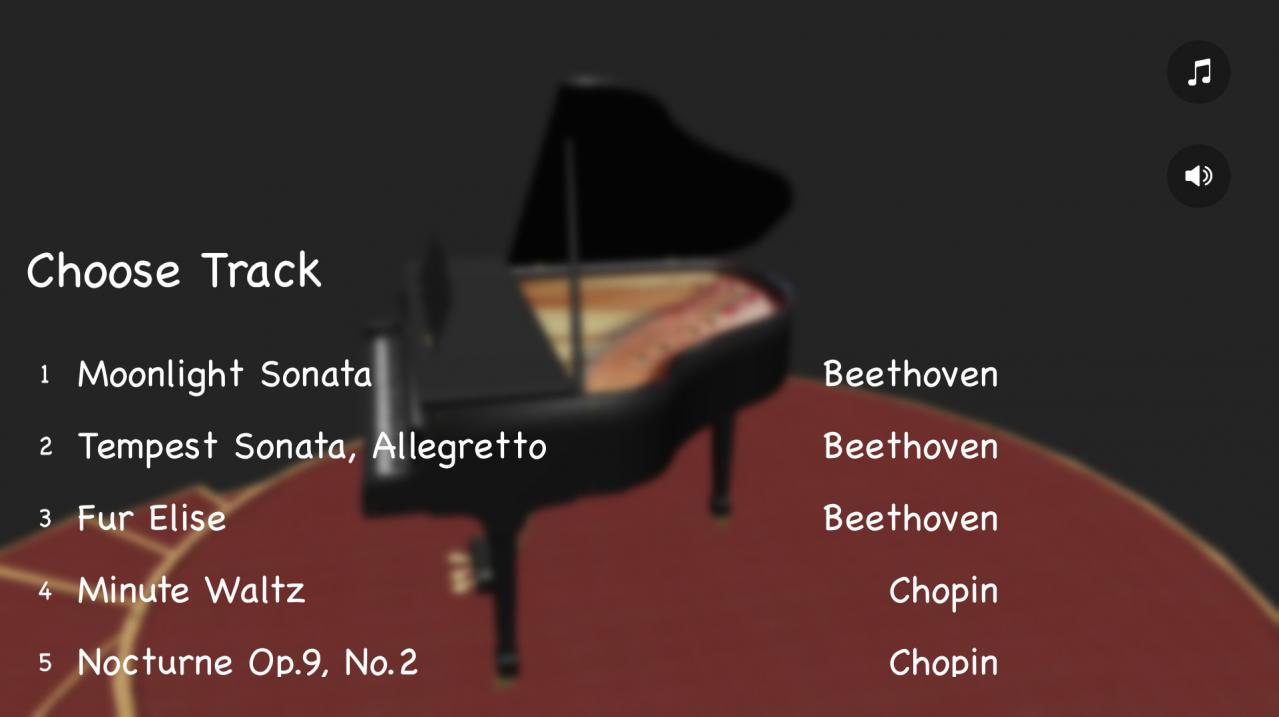
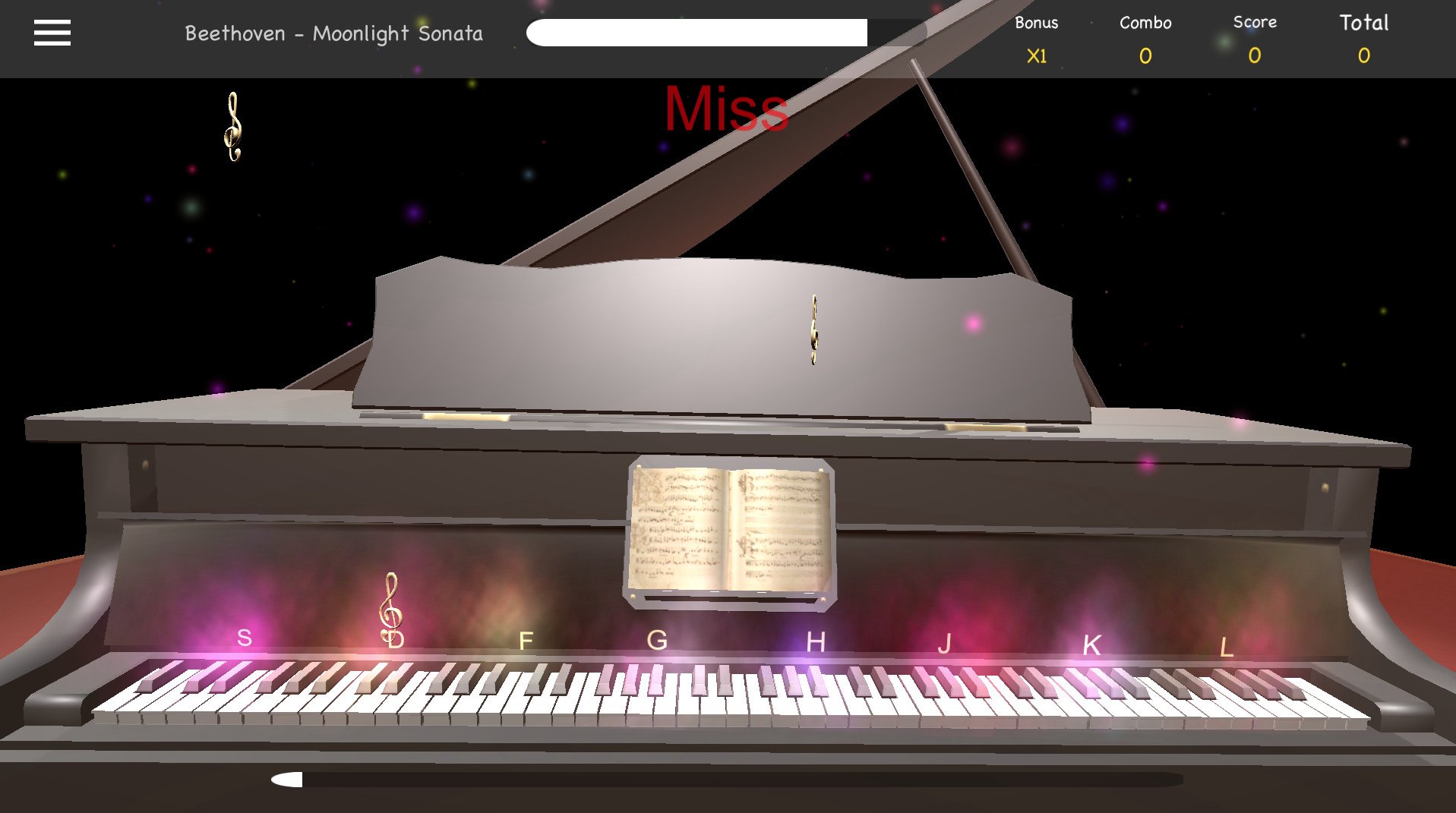
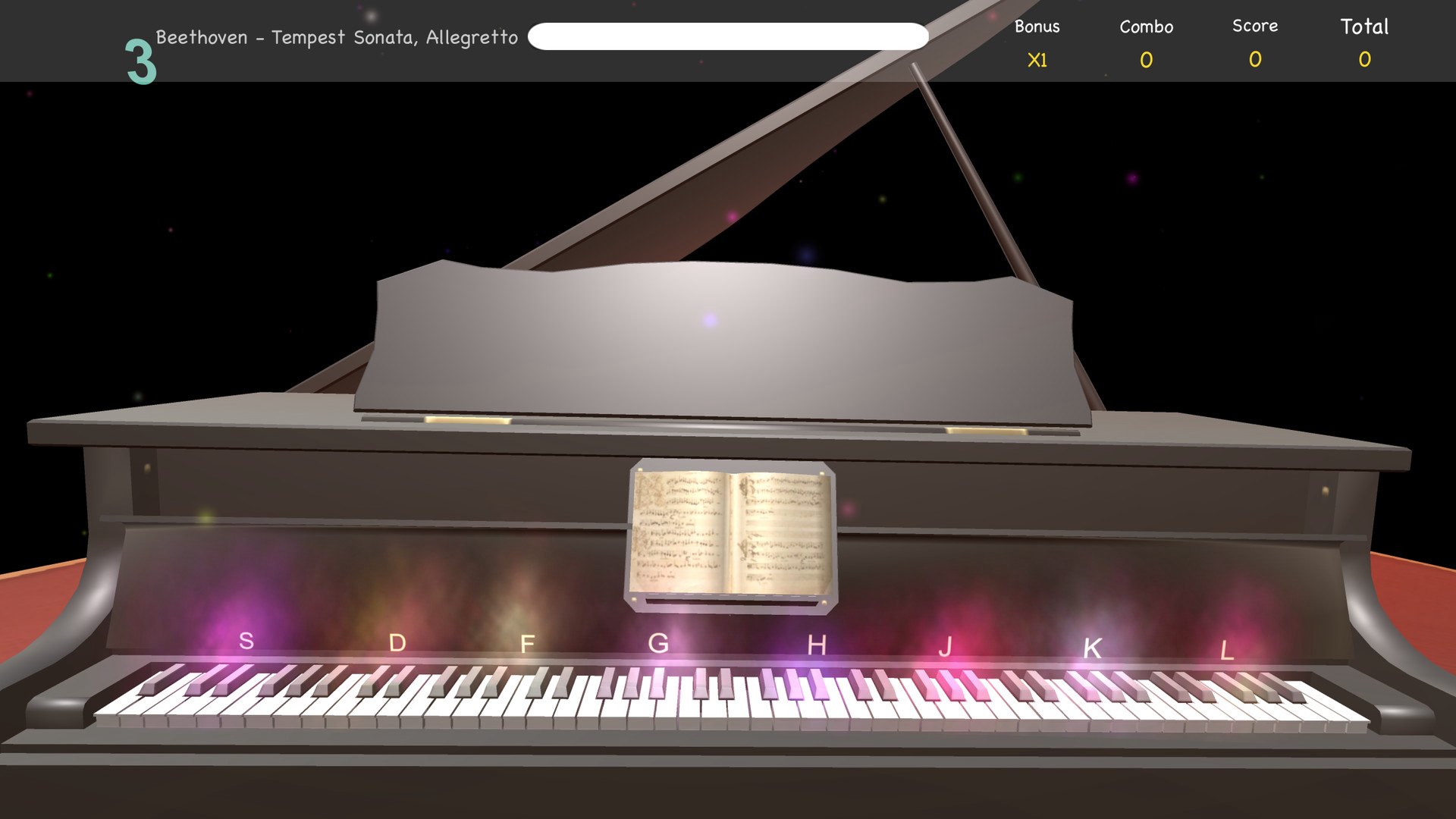
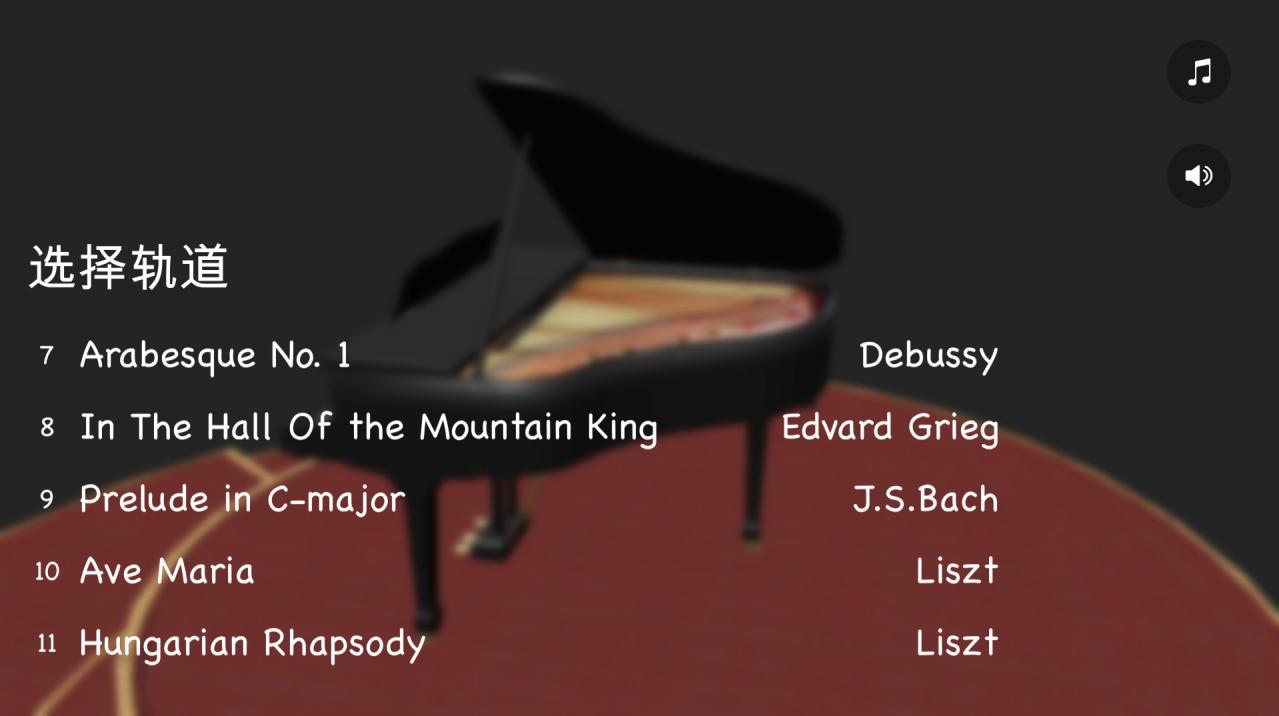
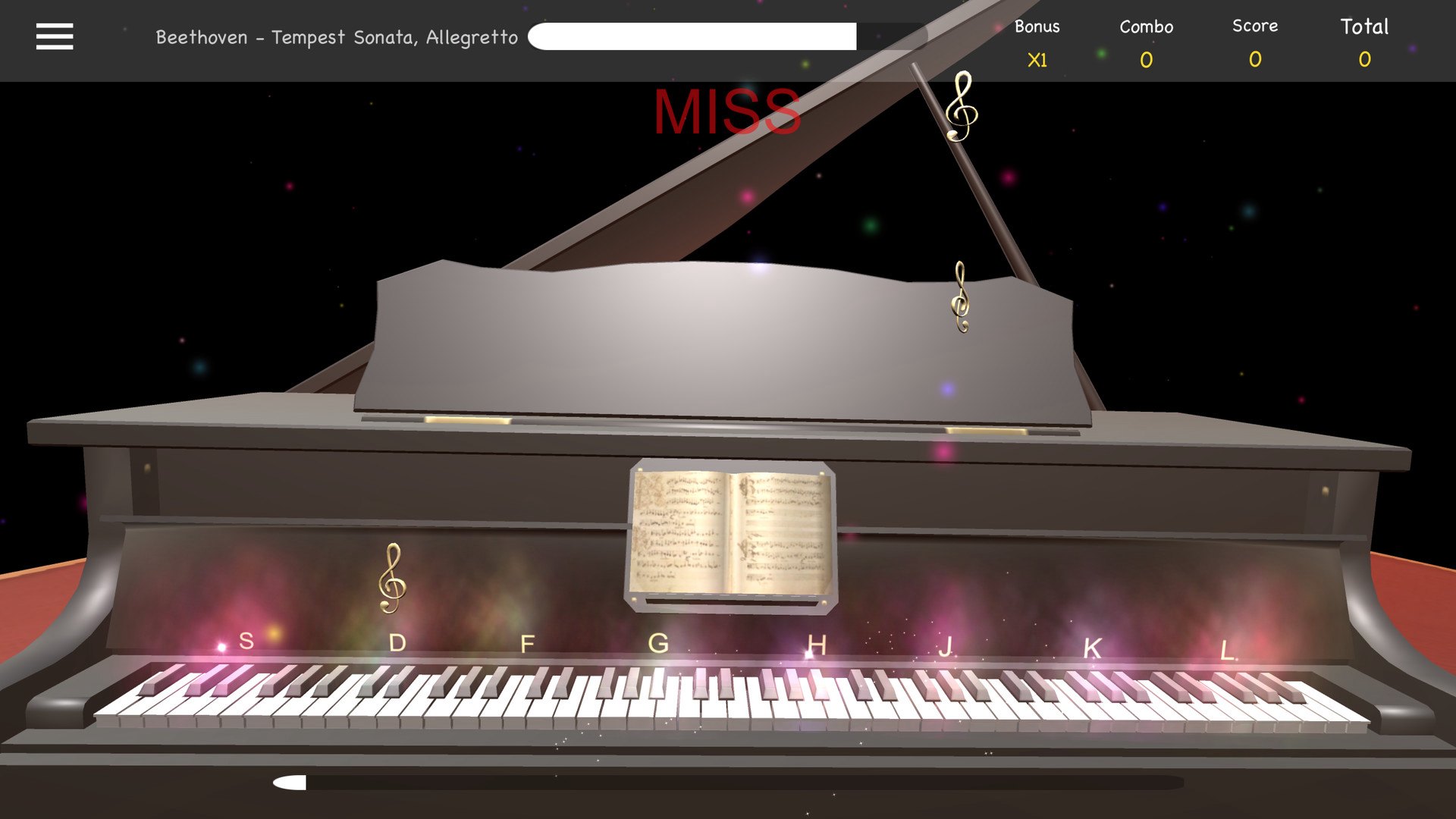
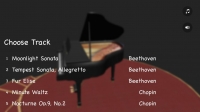
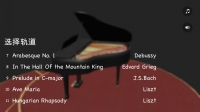
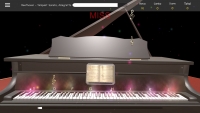
If you like classical music, there is something you will surely enjoy – Piano Play 3D! This is a great piano playing game. Listen to the music and tap on keys at a proper time. Just choose your favorite classical composition and start to play! Your goal is to catch as many notes as you can while listening to the melody. Start as a noob and level up your skills!Best classical music ringtones for you to enjoy! Take the piano challenge and become a piano hero! Features 15 classic melodies Easy to play, hard to master


System requirements

Windows
OS: Windows 7 Processor: 2.0 GHz Dual Core Memory: 2 GB RAM Graphics: NVIDIA Geforce GTS 450 or AMD Radeon HD 6750 DirectX: Version 9.0c Storage: 150 MB available space
Mac
OS: 10.9 Processor: Intel single core Memory: 1 GB RAM Graphics: 2010 GPU Storage: 165 MB available space

Activation details

Go to: http://store.steampowered.com/ and download STEAM client Click "Install Steam" (from the upper right corner) Install and start application, login with your Account name and Password (create one if you don't have). Please follow these instructions to activate a new retail purchase on Steam: Launch Steam and log into your Steam account. Click the Games Menu. Choose Activate a Product on Steam... Follow the onscreen instructions to complete the process. After successful code verification go to the "MY GAMES" tab and start downloading.

Reviews

Valoraciones

No hay valoraciones aún.

Sé el primero en valorar “Piano Play 3D Steam CD Key”

Tu dirección de correo electrónico no será publicada. Los campos obligatorios están marcados con *