
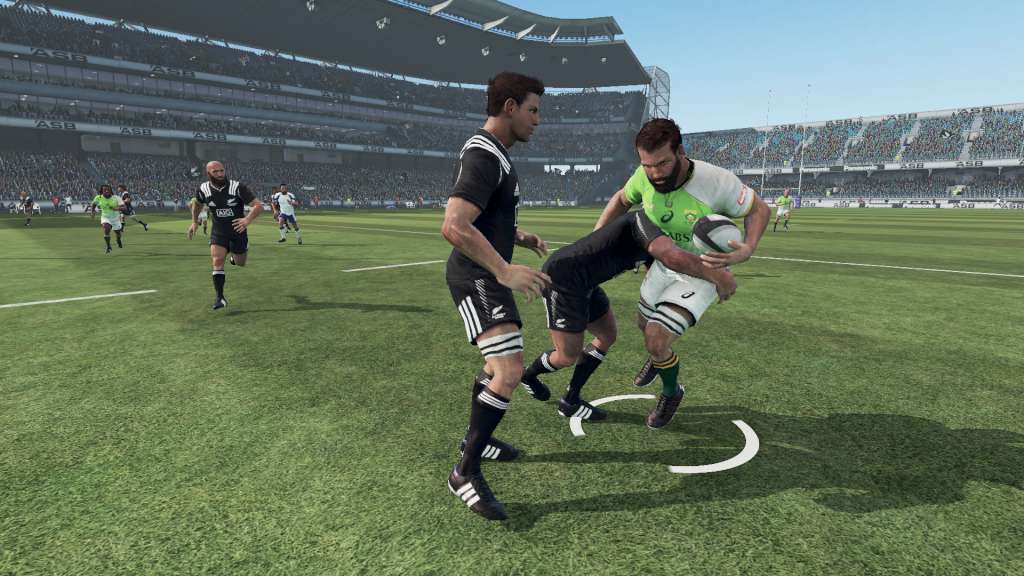
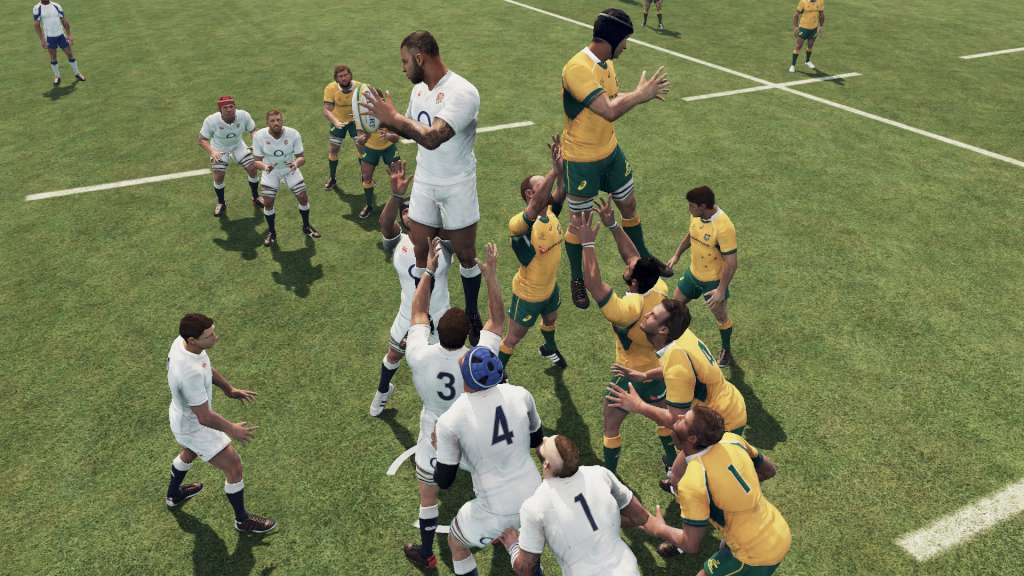
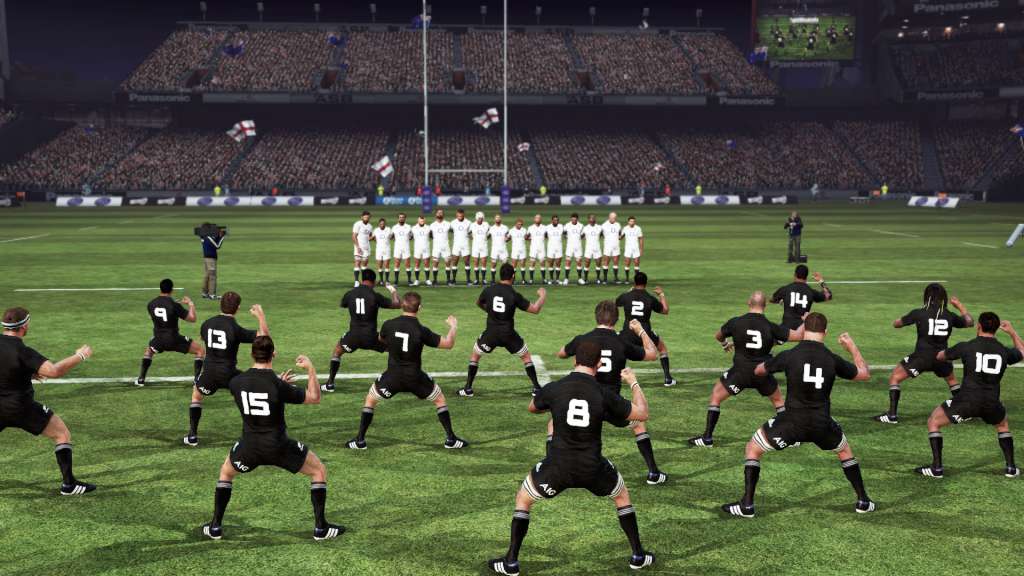
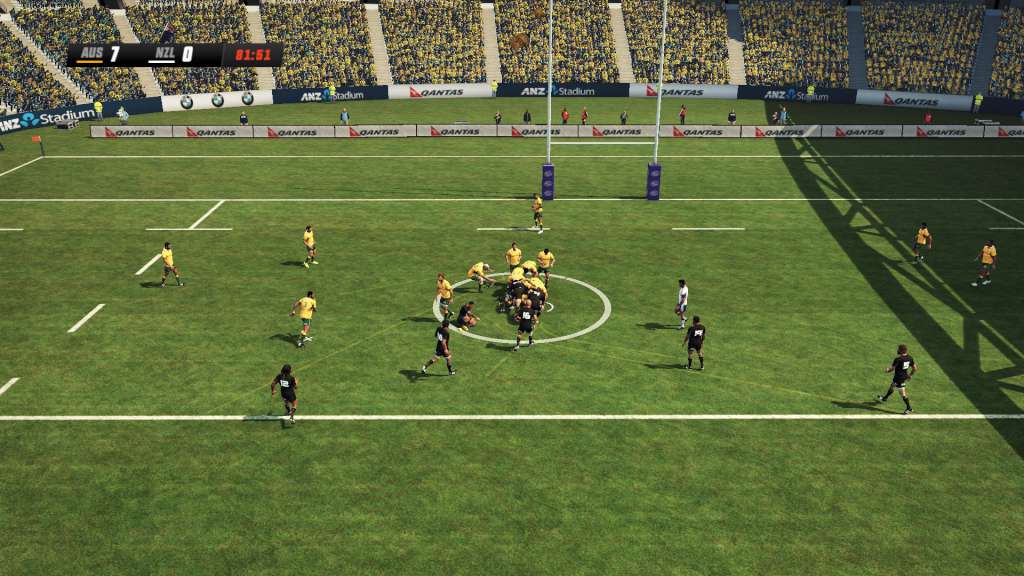
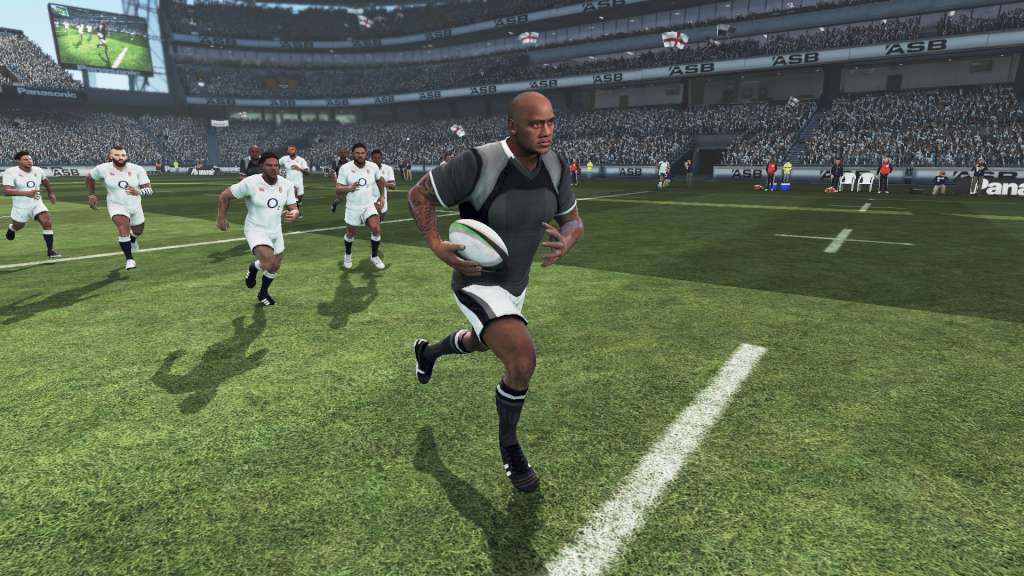
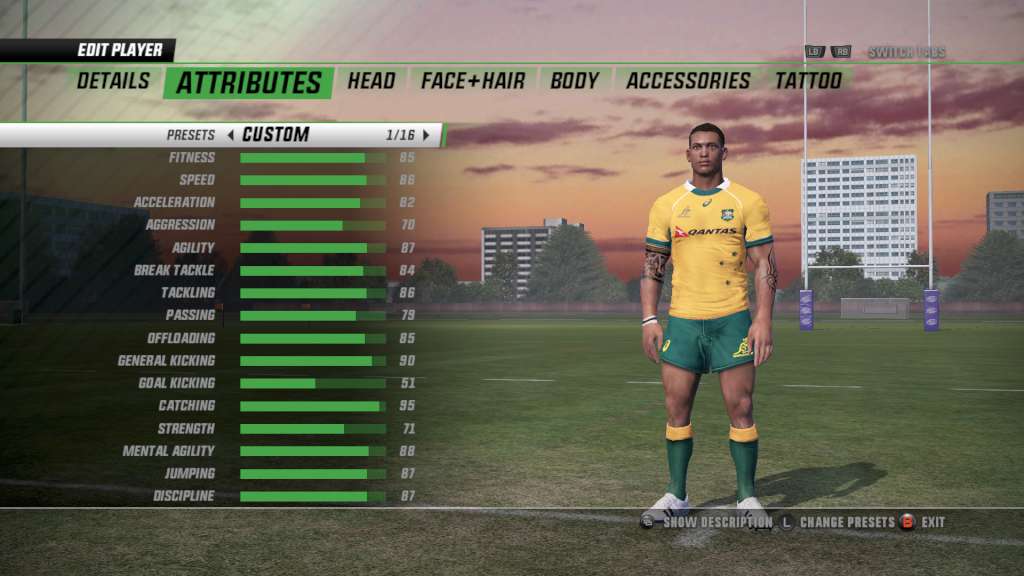



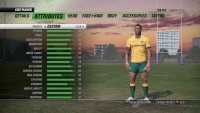
Rugby Challenge 3 Steam Gift Platform: Steam Release Date: 29/06/2016 Product Description All New Be A Pro mode – play rugby from a professional rugby players point of view, customise and control your player though their career. Gain an all new insight and experience from controlling the game from a single player’s perspective. All New Online Player Creator – create, share and download customised teams and players. New tattoo system – customize players by selecting and positioning tattoos! Even more custom strip designs and accessories. All New Rugby Seven-a-side mode added to quick match, International competitions and career mode. Customise the game with more options to also change game rules and behaviour to create and shape a unique game play experience. Refined and expanded gameplay with the addition of tightened up offloads and passing, reduced number of turnovers, new Conversions gameplay, improved and balanced strategies. Features 110+ teams and 50 + stadia from around the world featuring… All Blacks and Wallabies. Avia Premiership Rugby, ITM Cup, Guiness Pro 12 National Rugby Championship And more… System Requirements OS: Windows 7/8/10 Processor: Intel 2. 2 GHz Dual-Core or AMD 2. 5 GHz Dual-Core Memory: 4 GB RAM Graphics: Radeon HD 6670 or NVIDIA Geforce GT530 with Min 1GB Memory DirectX: Version 9. 0c Network: Broadband Internet connection Storage: 8 GB available space Sound Card: DirectX 9. 0c compatible



Valoraciones
No hay valoraciones aún.