
while True: learn() Steam CD Key

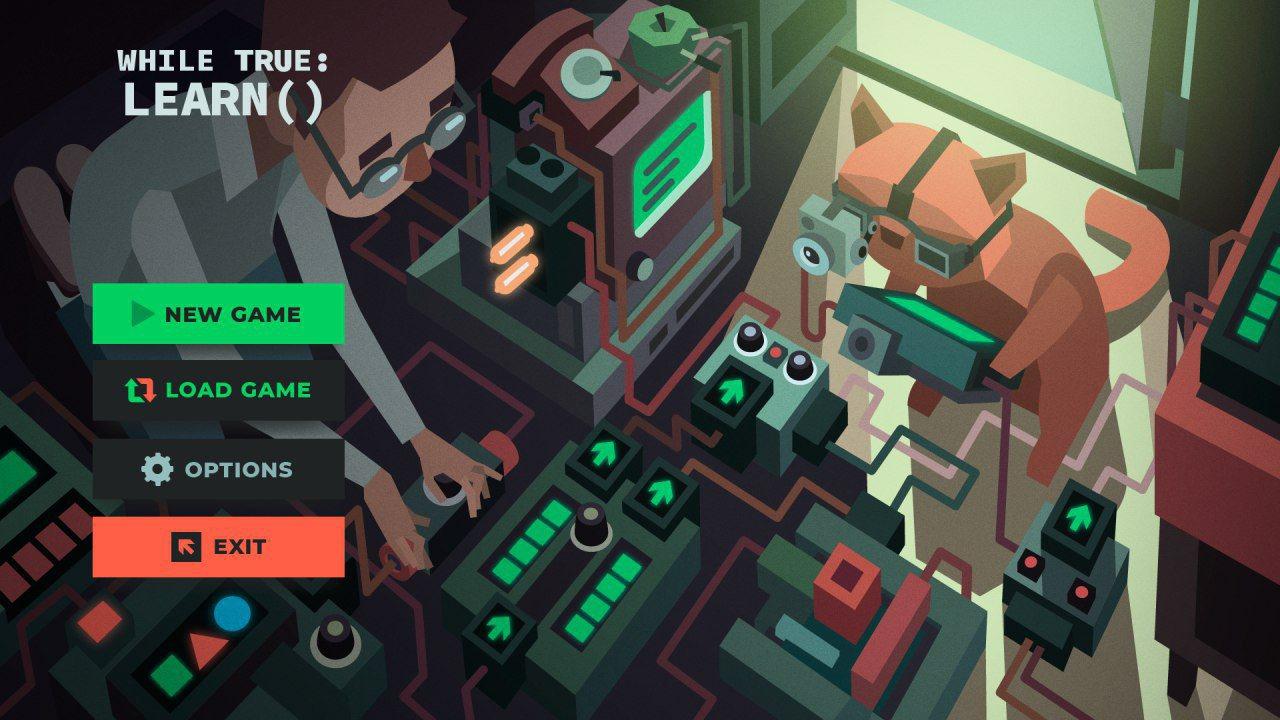
while True: learn()

Release date
March 28, 2018
STEAM
Yes
Age rating
PEGI 3
Regional limitations
Region free
Developers
Luden.io
Publishers
Nival
Genres
Indie Simulation
Platform
Steam
Languages
English Russian

Description

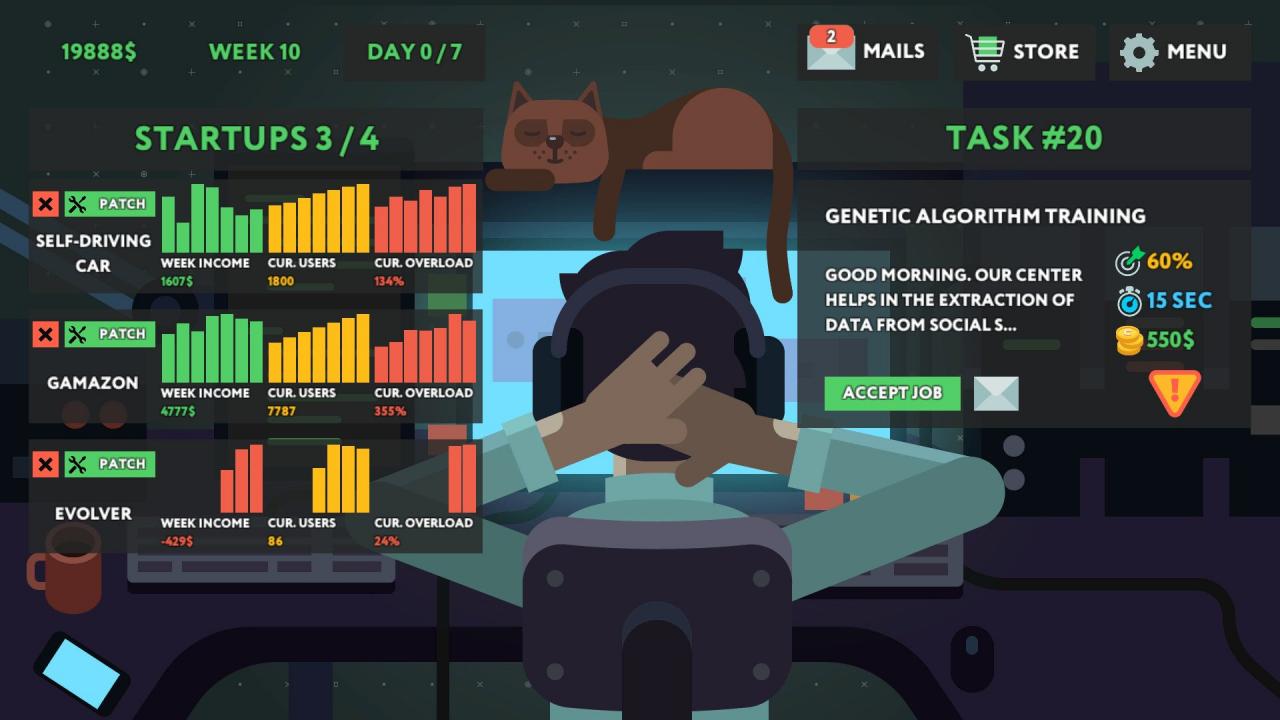
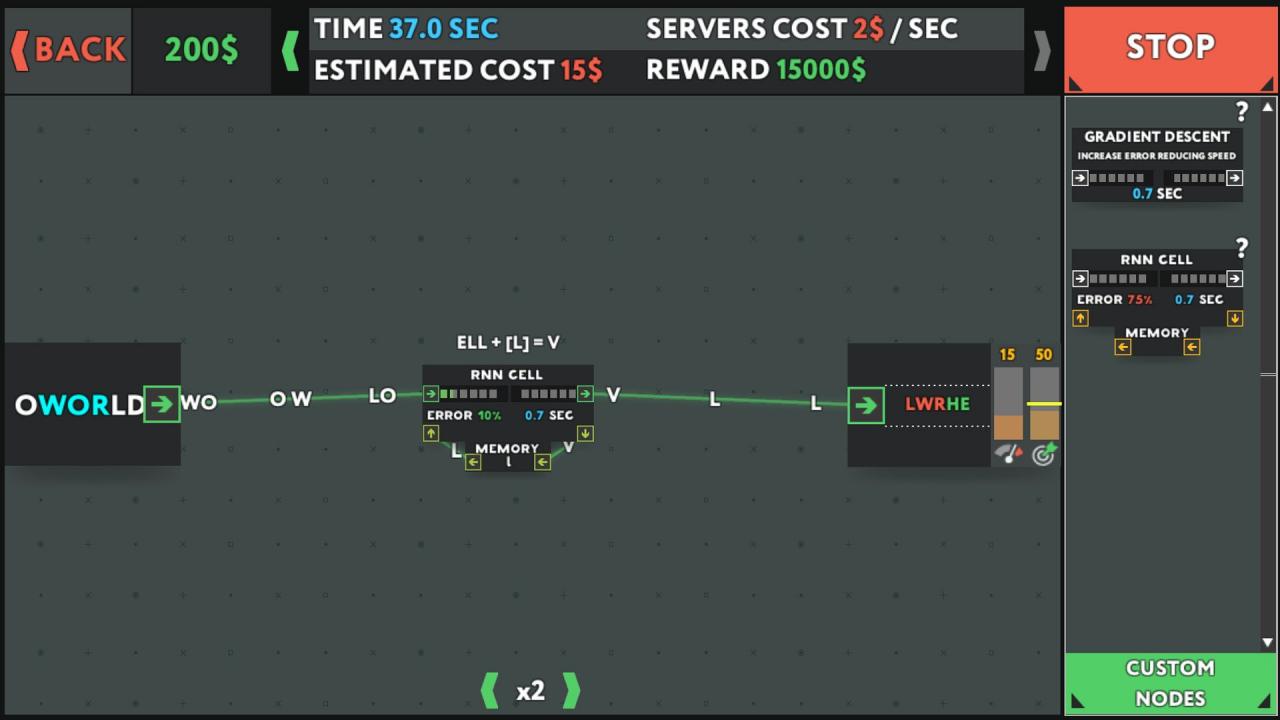
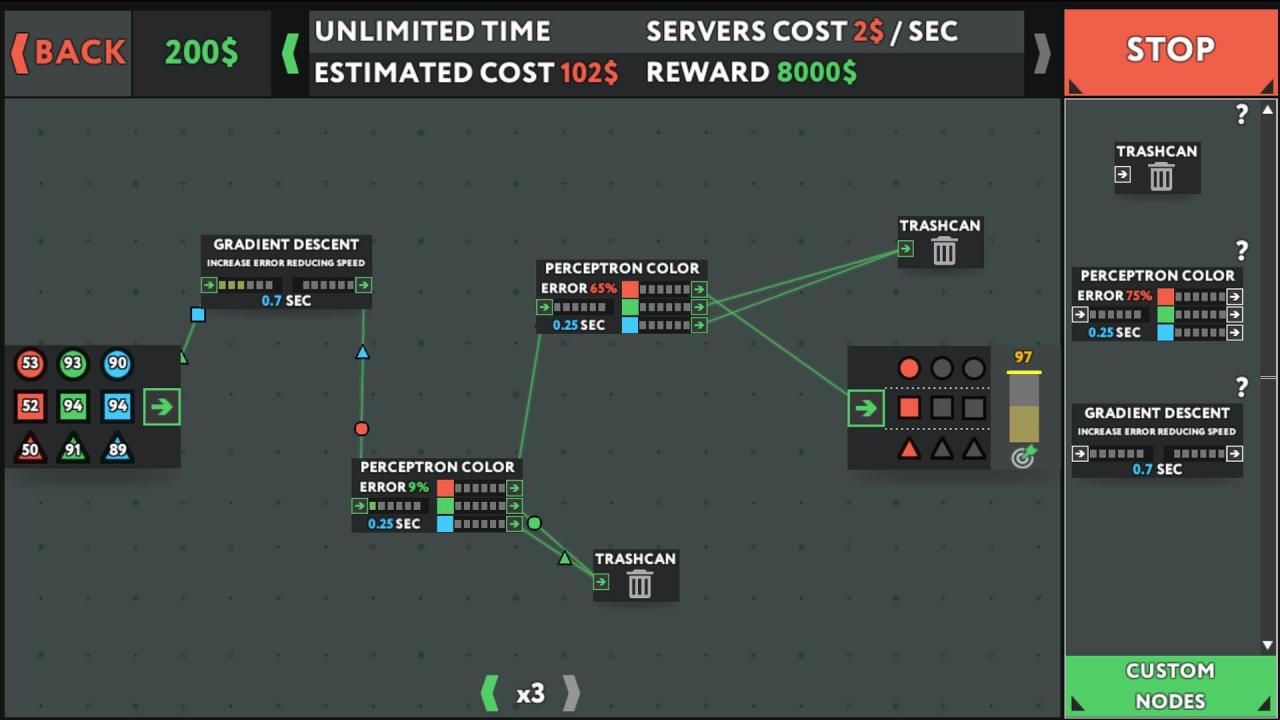
Everyone is speaking about machine learning. Forbes writes that these developers and Data Scientists have incredible salaries, Elon Musk says that they can accidentally create an AI that can enslave humanity. So, what are these people really doing when they come to work? This game is a simulator of a machine learning specialist who uses visual programming to make his and his cat’s living. Learn what those guys are actually doing and realize if it is possible to create a big and scary evil AI by mistake (or not)? Features Work as a freelancer or run a startup Write systems using visual programming interface to complete clients’ orders Deploy system to the cloud Reuse system components in future Scale the system when the amount of data gets huge Make money as a machine learning developer Join a startup as a CTO Learn how machine learning works


System requirements

Windows
OS: Windows Vista / 7 / 8 / 10 Processor: 2.0 GHz Memory: 2 GB RAM Graphics: Intel HD Graphics 3000 DirectX: Version 9.0 Storage: 500 MB available space
Mac
OS: macOS 10.9+ Processor: 2.0 GHz Memory: 2 GB RAM Graphics: Intel HD Graphics 3000 Storage: 500 MB available space
Linux
OS: Ubuntu 16.04+, SteamOS Processor: 2.0 GHz Memory: 2 GB RAM Graphics: Intel HD Graphics 3000 Storage: 500 MB available space

Activation details

Go to: http://store.steampowered.com/ and download STEAM client Click "Install Steam" (from the upper right corner) Install and start application, login with your Account name and Password (create one if you don't have). Please follow these instructions to activate a new retail purchase on Steam: Launch Steam and log into your Steam account. Click the Games Menu. Choose Activate a Product on Steam... Follow the onscreen instructions to complete the process. After successful code verification go to the "MY GAMES" tab and start downloading.

Reviews

Valoraciones

No hay valoraciones aún.

Sé el primero en valorar “while True: learn() Steam CD Key”

Tu dirección de correo electrónico no será publicada. Los campos obligatorios están marcados con *