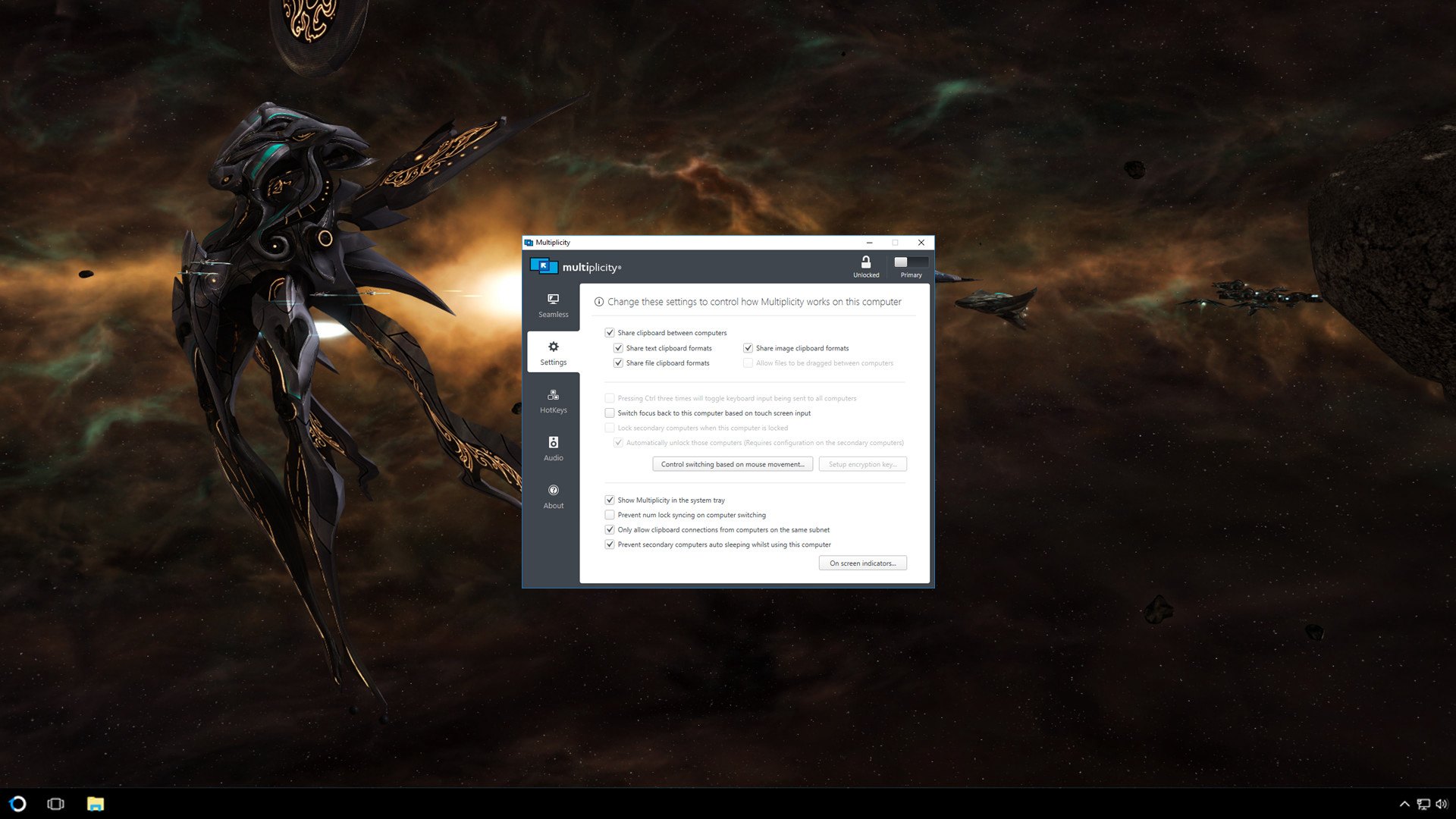
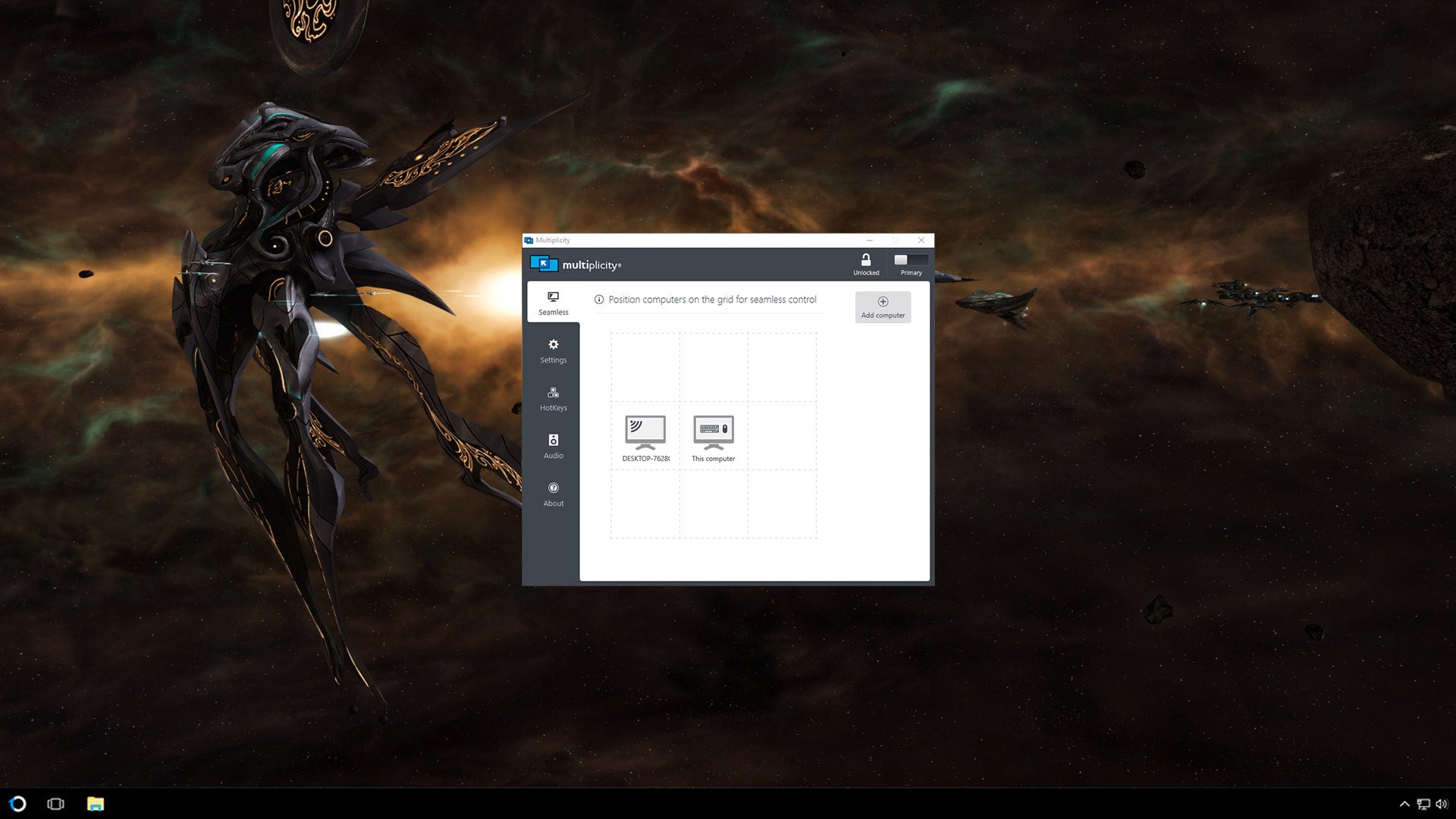
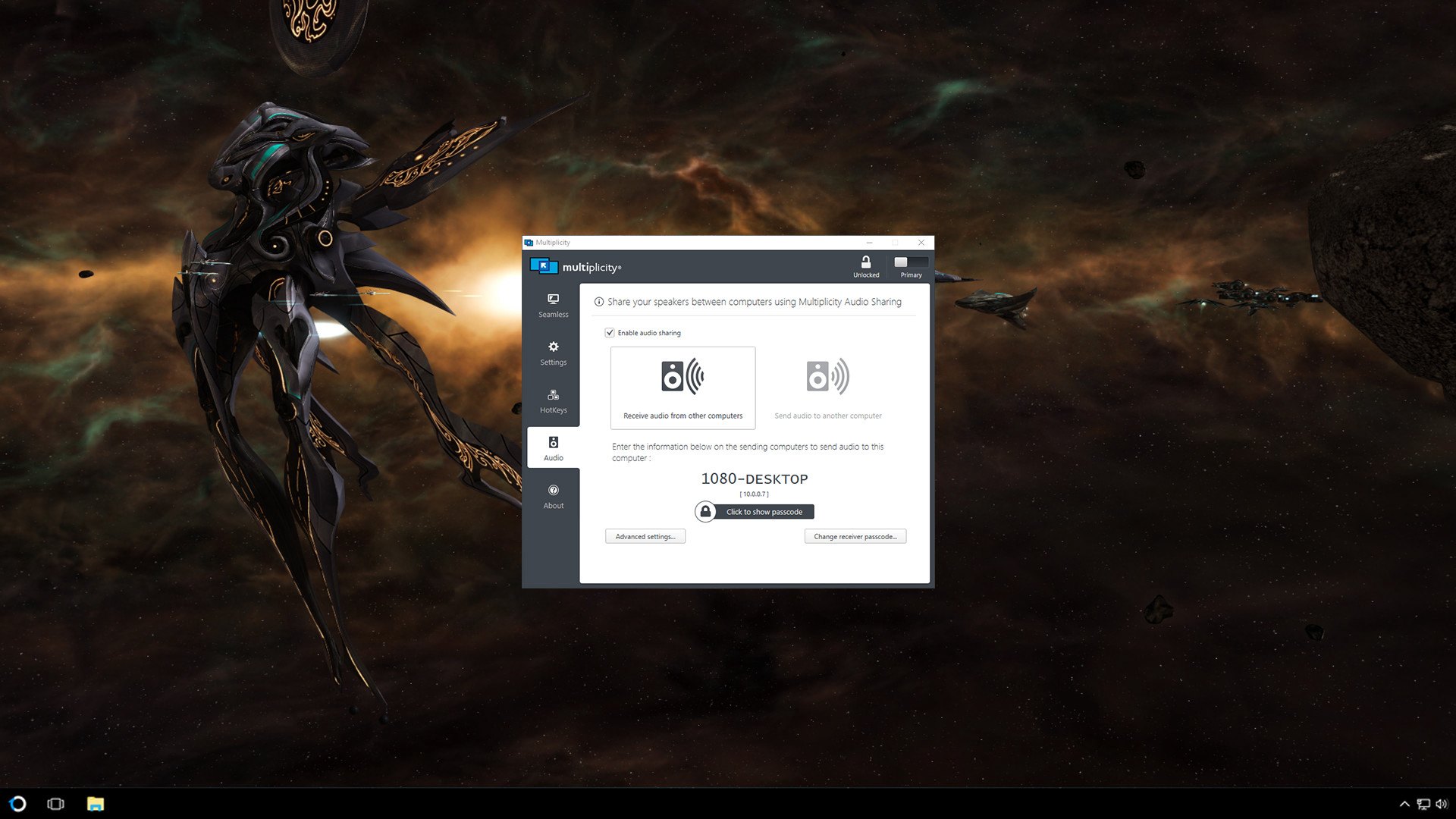
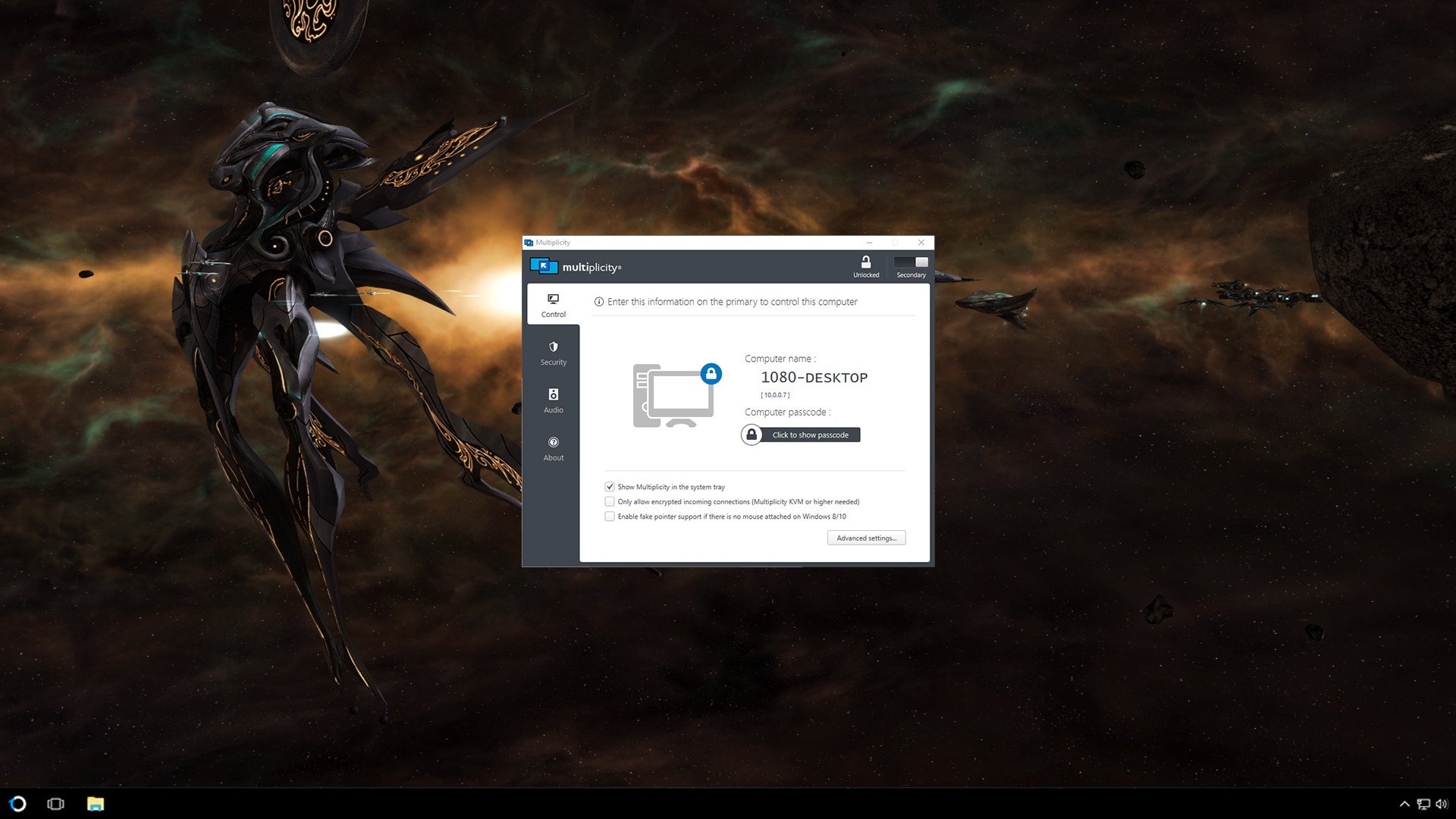
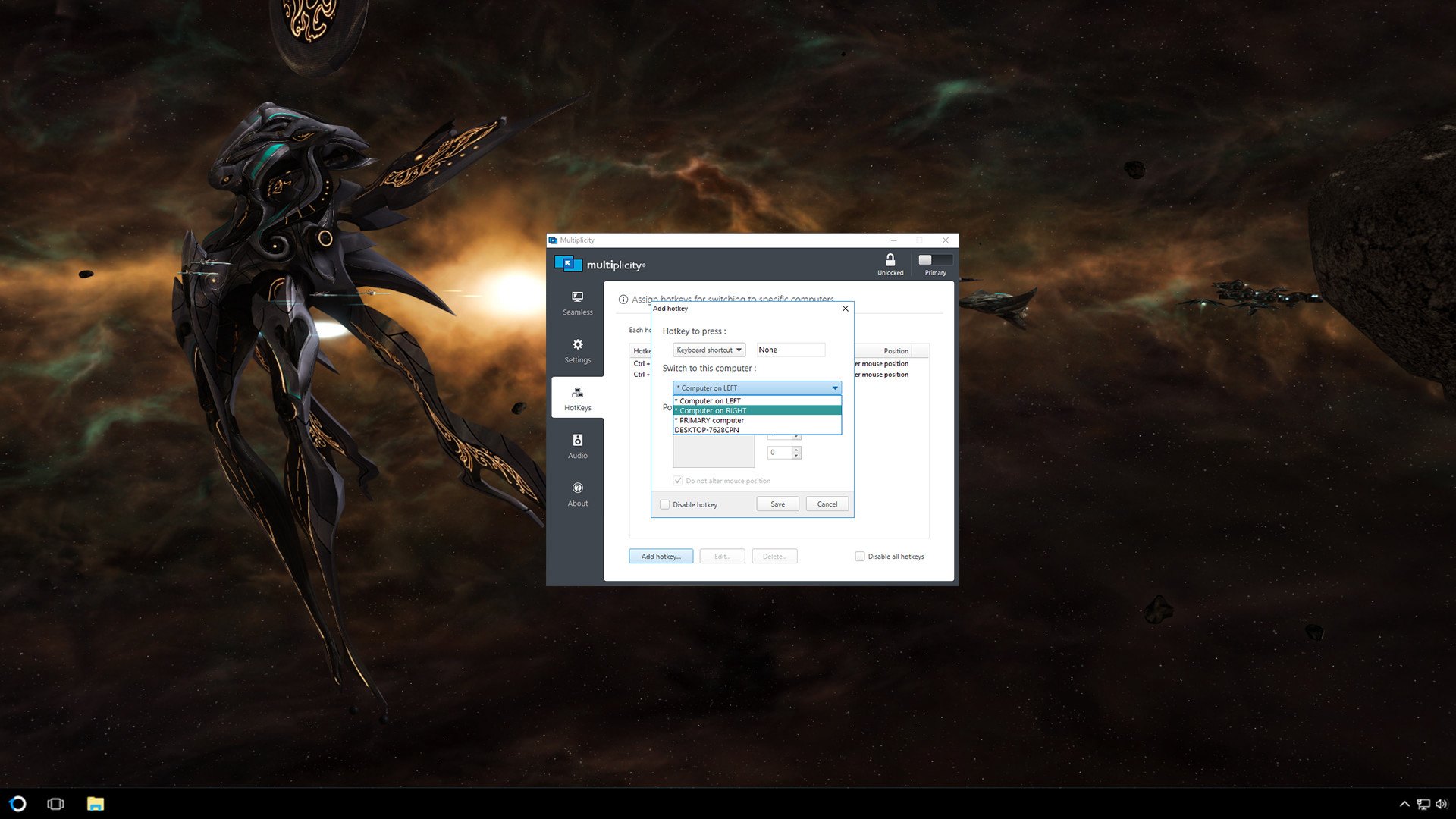
Share the heavy lifting of intense programs and keep virtual activities separate, but connected seamlessly between two computers. This versatile, secure, and affordable software solution lets you control two machines using one keyboard and mouse without the hassle of extra cables or the hardware needed for a traditional switch.Creatives love the ability to retain their formatting when they use Multiplicity to seamlessly copy and paste content from one PC to another. Designers and editors alike use seamless mode to run editing programs alongside their intense graphic design applications without experiencing lag, stutter, or drop in frame rate. Audio sharing lets you listen to sound from both PCs without switching headsets and speakers. If you run two computers when you’re gaming, streaming, or video-sharing, Multiplicity can keep your PC running optimally. Use your laptop or another machine for additional tasks while you play without having to constantly switch back and forth between keyboards.Multiplicity’s seamless mode allows you to establish a keyboard and mouse connection between your two computers while they’re adjacent to each other and on the same network. You can stack your displays and move easily between them, or create a virtual laptop “docking space” that will easily reconnect every time it comes back within proximity.If you use multiple PCs on a regular basis, Multiplicity is the solution you’ve been looking for. Features Switch seamlessly between 2 PCs with one mouse and keyboard Copy and paste files, folders, text, and images between PCs Hot Keys for quick access to other PCs Listen to audio from multiple PCs through one PC



Valoraciones
No hay valoraciones aún.